Genie 3.6 : l’IA FileMaker sur Windows et Mac, Gemini et FileMaker 26.1
Genie 3.6 amène le Genie complet sur Windows : l’agent ancré dans Script Workspace et en mode Modèle, quatre agents avec le forfait que vous avez déjà, et des changements écrits directement dans votre fichier ouvert. En plus : Gemini, FileMaker 26.1, le travail sur le modèle que vous avez ouvert, et des agents qui réussissent plus souvent du premier coup.
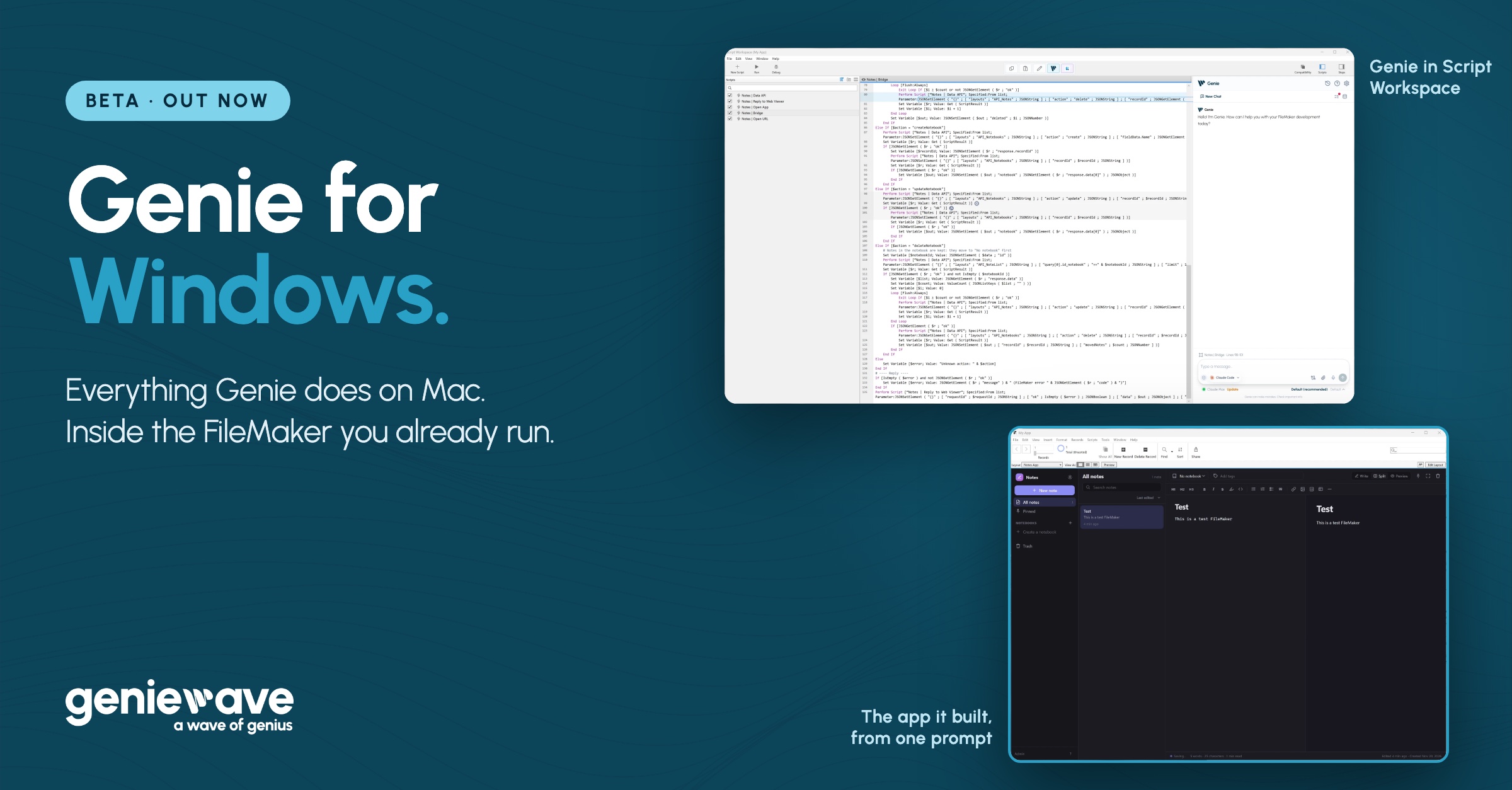
Genie 3.6 is the biggest release we’ve made, and for the first time it is the same release on Windows and on Mac. Genie for Windows now does everything Genie for Mac does. Gemini joins Claude Code, Codex and Cursor. Genie works with FileMaker 26.1. It works on the layout you have open in Layout mode. And your agent gets more of what you ask right on the first try.
Here is what’s new, and what we’re building next.
The full Genie, on Windows
FileMaker teams rarely live on one operating system. One developer builds on a Mac, a colleague supports the same solution on Windows, and a consultancy works with whatever its clients run. With 3.6, all of them use the same Genie.
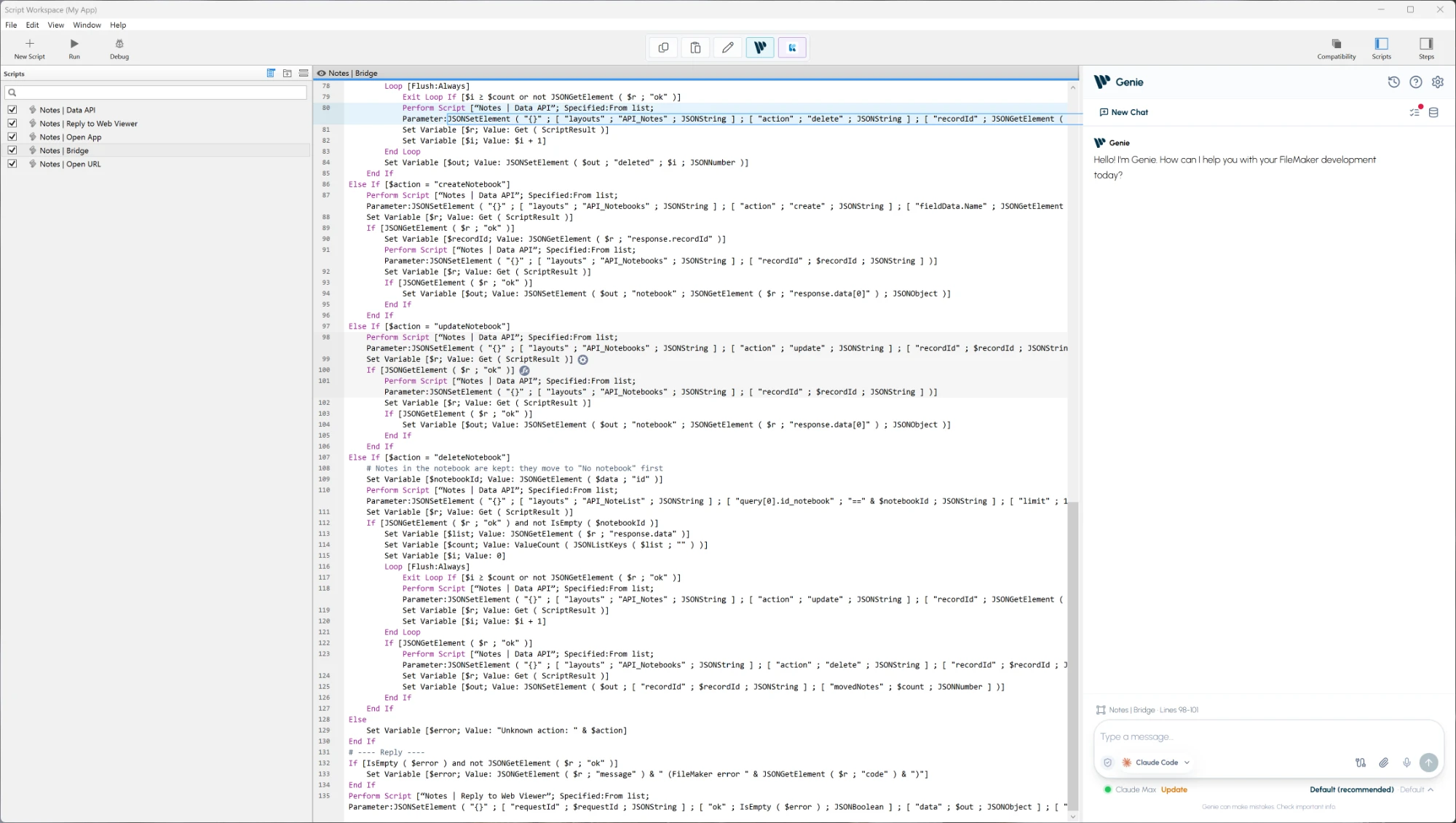
Everything Genie does on a Mac, it now does on Windows:
- The agent inside FileMaker. Docked in Script Workspace and in Layout mode, working on the file you have open.
- Four agents, your plan. Claude Code, Codex, Cursor and Gemini with the plan you already have, or Genie’s own agent with your API keys.
- Changes written into your file. Scripts, layouts, fields, relationships, custom functions and value lists, each as a card you review and apply.
- Auto apply. Turn it on and Genie writes the change, reads it back to check it, and keeps a history you can undo from.
- The Security page. The same three levels, for each file.
- The same tools. The same nine Local MCP tools for the apps you connect, and Connections.
- The same FileMaker versions. Every FileMaker Pro from 19 to 2026, including 26.1.
From this release, Mac and Windows carry the same version number and ship together. What you read about Genie applies to both.
Genie for Windows 3.6 is a beta, and it is ready for real work. Tell us what you build with it: reply to any Genie email, and we read every one.
One prompt, a whole app
To try the Windows build, I opened an empty file in Layout mode, chose Claude Code in the Genie tab, and typed one request:
I want to design a nice note taking app in FileMaker here. Create tables, layouts, and have the note taking be a webviewer with a really nice markdown editor. I want all scripts, relationships, etc needed to convey everything.
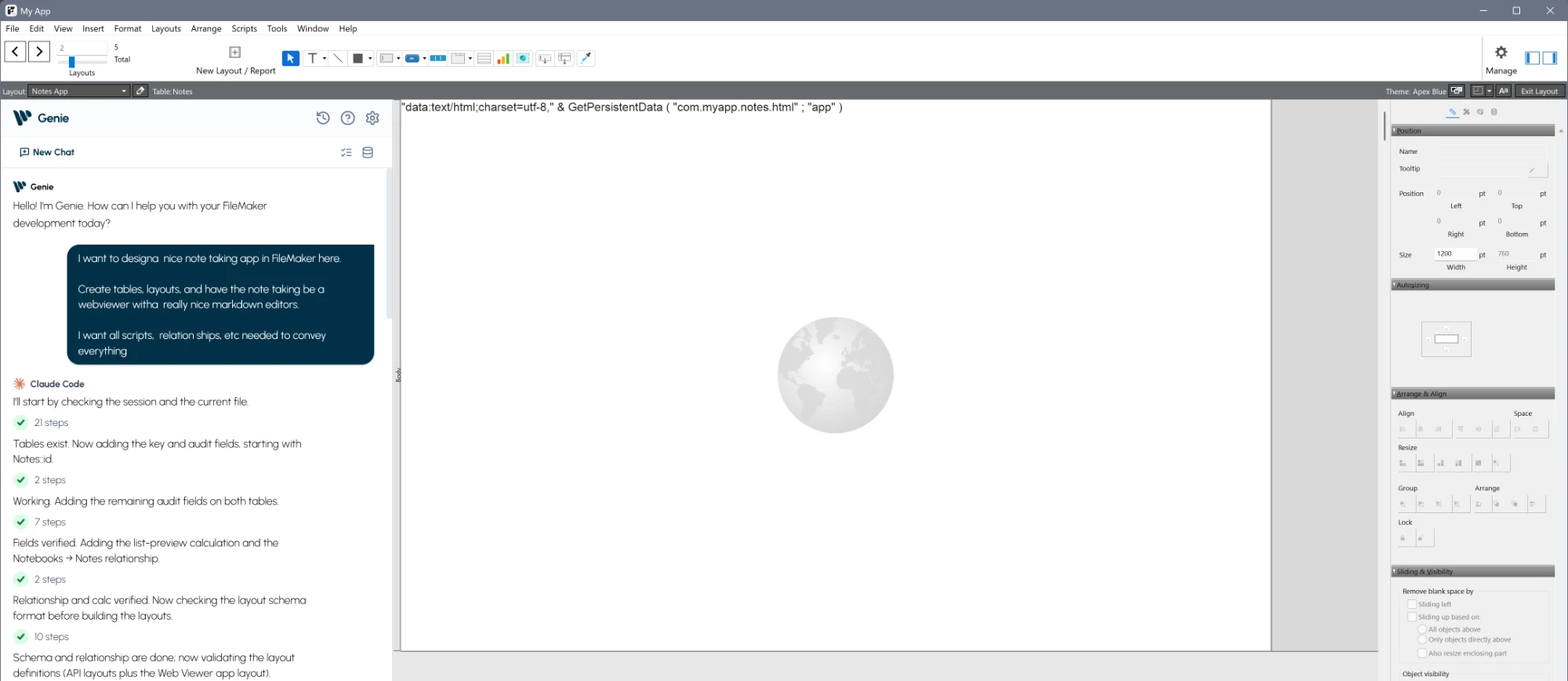
Claude Code did the rest through Genie, inside FileMaker: the Notes and Notebooks tables with their key and audit fields, the relationship between them, the layouts, a Web Viewer, and five scripts that carry every action between the editor and the file. It checked each piece after writing it.
This is what it built:
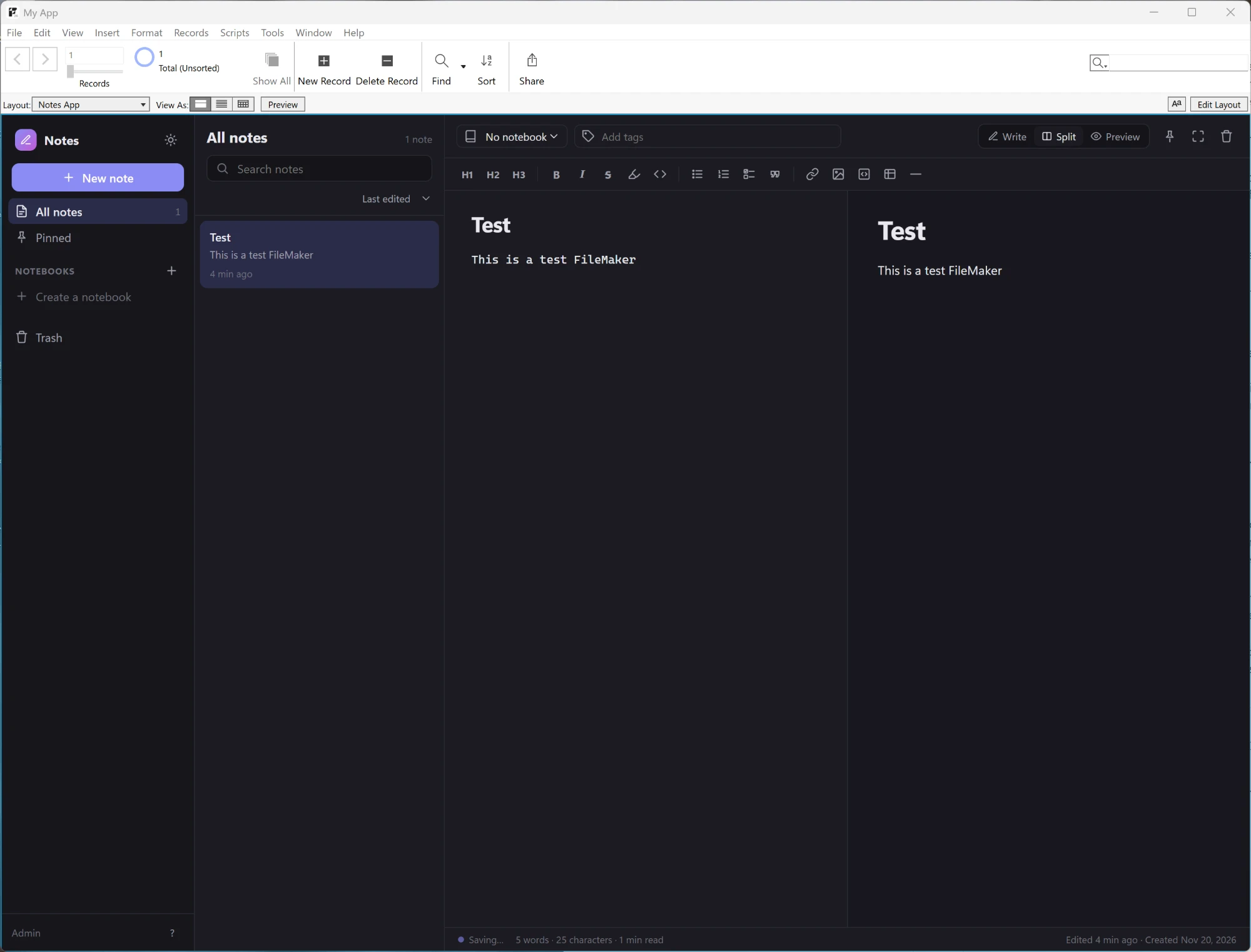
A real note-taking app, in FileMaker: notebooks, pinned notes, a trash, search, tags, and a Markdown editor with a live preview. It has a light mode too.
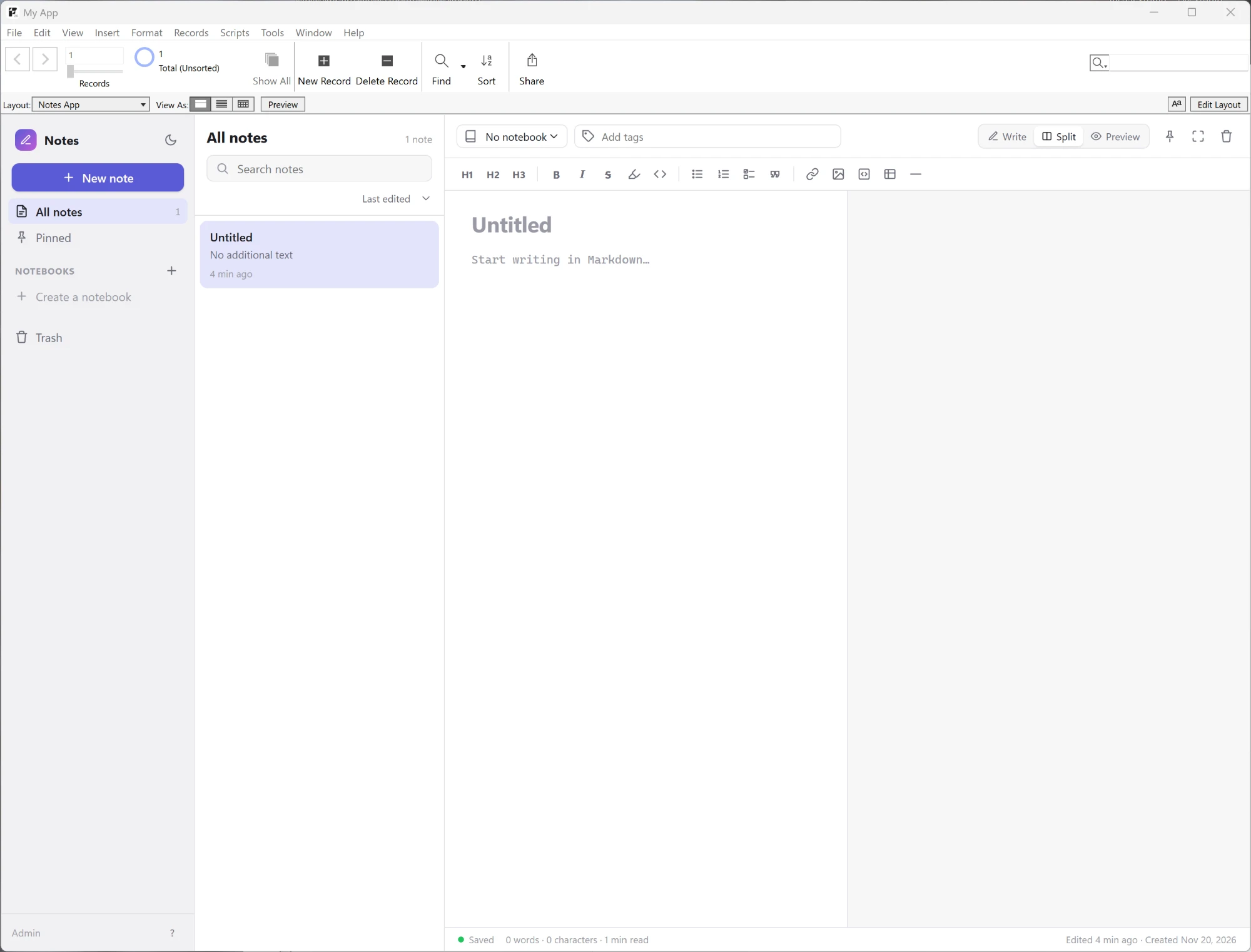
When the first save returned an error, I said so in a sentence. Claude Code read the script, found the cause, a record ID sent as text where a number was needed, and fixed that one line.
Every piece is ordinary FileMaker work you can open and read: tables in Manage Database, scripts in Script Workspace, a layout in Layout mode. And it was built on Windows.
Gemini joins Claude Code, Codex and Cursor
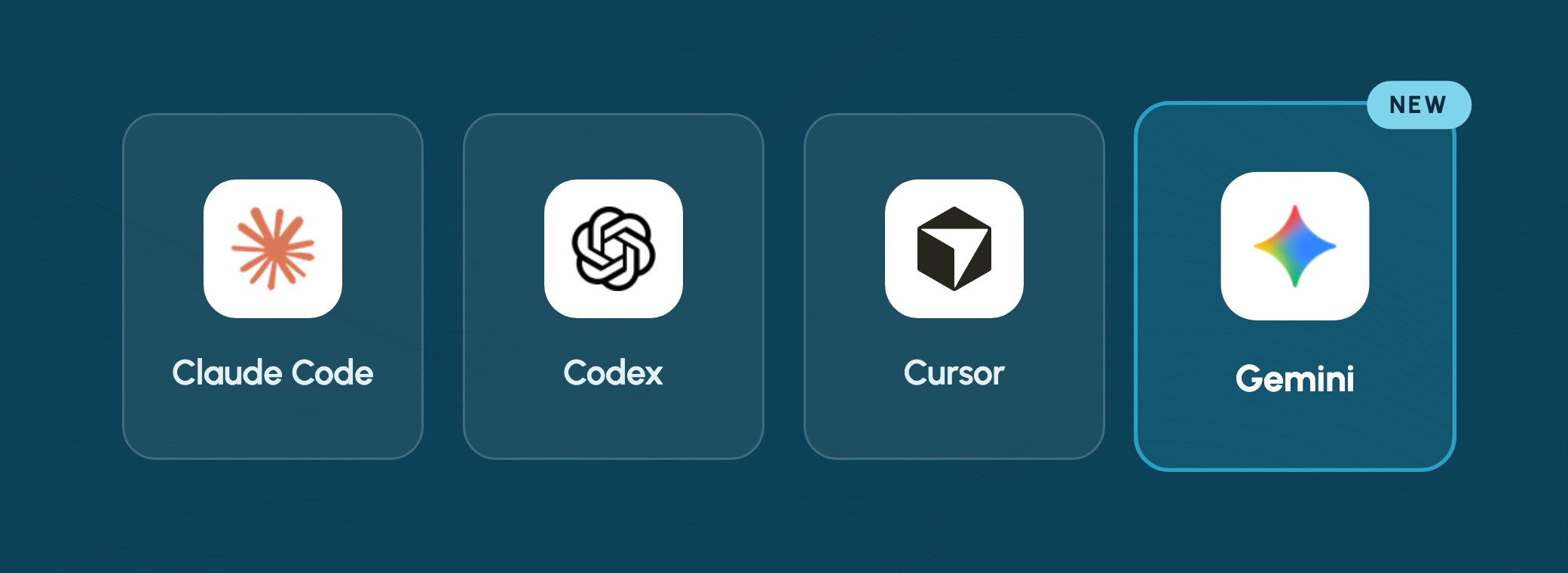
Since Genie 3.3 you can bring the agent you already pay for into FileMaker. Gemini is the fourth. Choose Gemini in the model menu, confirm the installation, and sign in with your Google account in the browser. There is no API key and no API bill.
How Genie runs it:
- It gets Genie’s FileMaker tools and nothing else. No shell, no access to your files on disk, no web search. Inside Genie, an agent reaches FileMaker only through Genie.
- Its sign-in is its own. Genie keeps Gemini’s sign-in separate from any Gemini you use elsewhere on your computer, and never signs you out of that one.
- It follows your Security level. At Structure only, Gemini sees your design and never your records, exactly like the others.
Google’s tool decides which plans it accepts. If it asks for a different account, Genie tells you in plain words and lets you choose another.
FileMaker 26.1, and still 19
Genie 3.6 works with FileMaker 26.1, and with every FileMaker Pro from 19 to 2026. The version you run today is enough: nothing in Genie asks you to upgrade FileMaker first.
FileMaker 26.1 brought new things to build with, and Genie’s agents can use them:
- New script steps. Set Variable by Name and Replace Field Contents by Name, and the Close after option of Show Custom Dialog.
- Custom function descriptions. 26.1 lets you describe a custom function and each of its parameters. Genie keeps those descriptions when an agent edits the function, and an agent can write them for you.
- Calculated value lists. Value lists based on a calculation can be read, created and changed.
- Layouts. A calculated icon on a button, and a new-record row at the top of a portal.
Genie knows which FileMaker it is running in. On an earlier version it tells the agent a feature needs 26.1, so nothing is written that your FileMaker can’t run.
The layout you have open
You are in Layout mode, halfway through moving things around, and you want Genie to add a portal or replace a button. Now you can ask without saving first.
Genie works in the layout exactly as you have it open, your own unsaved changes included. It adds, edits, deletes and replaces objects there. The change shows at once, stays unsaved until you save the layout, and Edit > Undo takes it back, like any change you make yourself.
Right the first time, more often
An agent that builds in FileMaker sends Genie a request for each change: this field, that relationship, this script. This month we went through what agents actually send, and taught Genie to understand more of it.
- Scripts the way FileMaker shows them. An agent can write a script as plain script text, one step per line, as you read it in Script Workspace.
Create New Recordis read as New Record/Request. An agent that reaches forWhile, which is not a FileMaker step, is given the line to write. - Answers an agent can act on. When a request needs correcting, Genie says what to change and what to send, in a sentence. A field name written as
Table::Fieldis told to send only the field’s own name. - A clean relationship graph. A relationship that would close a loop is caught before anything is written, with the way forward: make a new occurrence of the table and relate to that one.
- Your scripts stay yours. A new script never takes the name of an existing one, and an edit to a few lines leaves every other line exactly as you saved it.
You spend less time watching an agent try again. Smaller models benefit most, including the ones that run on your own machine.
You decide what AI sees
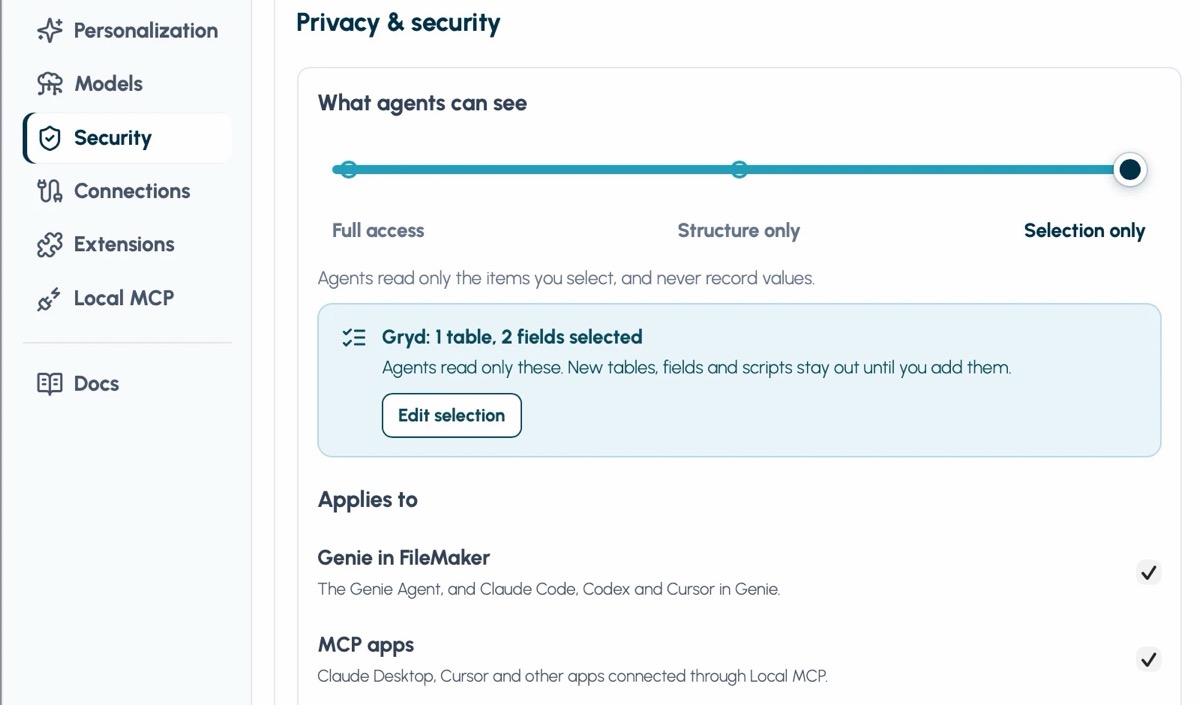
Genie 3.5 put everything that decides what agents can read on one page, and 3.6 brings it to Windows. Settings › Security has three levels: Full access, Structure only (agents see your design, never your records) and Selection only (only the tables, fields and scripts you pick). Each file can have its own level, so a production file stays locked down while a sandbox stays open.
Every agent follows it, Gemini included. The full walkthrough is here.
A report you can trust
When Genie writes for you, it reads the result back from FileMaker and tells you what it found. In 3.6 those reports say more:
- A table change that had no effect in the file is reported as such, with the reason.
- When FileMaker keeps a slightly different value than the one written in a script step, Genie shows both.
- A change that was in progress when FileMaker quit is marked in the history, so you know what to check. Genie never sends it twice.
What we’re building next
These are in progress. No dates: each ships when it is solid, on Mac and Windows together.
- Several sessions at once, inside FileMaker. Keep one agent on a layout while another writes a script.
- Faster building, in batches. A table, its fields, a relationship and a script, checked together and written in one go, each change with its own receipt.
- More connectors. More of the tools your solutions talk to, starting with deeper Klai integration.
- Local first. Better results with models that run on your own machine, so your files and your prompts can stay there.
Try it
Already on the new Genie? Update from the banner inside Genie, on Mac and on Windows. New to it, or coming from Genie 1.5.11 on Windows? Download the current build once, and every later update arrives through that banner. The full release notes list every change. Reading, inspecting and explaining are free. Creating and editing need a paid plan.
Holiday offer: new to the paid plan? It is 20% off until December 31 with the code GENIE20: your first 3 months on monthly, or your first year on yearly. See pricing.
And send me your wish list. Tell me what you would like to see Genie build in FileMaker, a feature, a layout, a script you keep putting off, and I’ll build it in an upcoming demo, start to finish.